
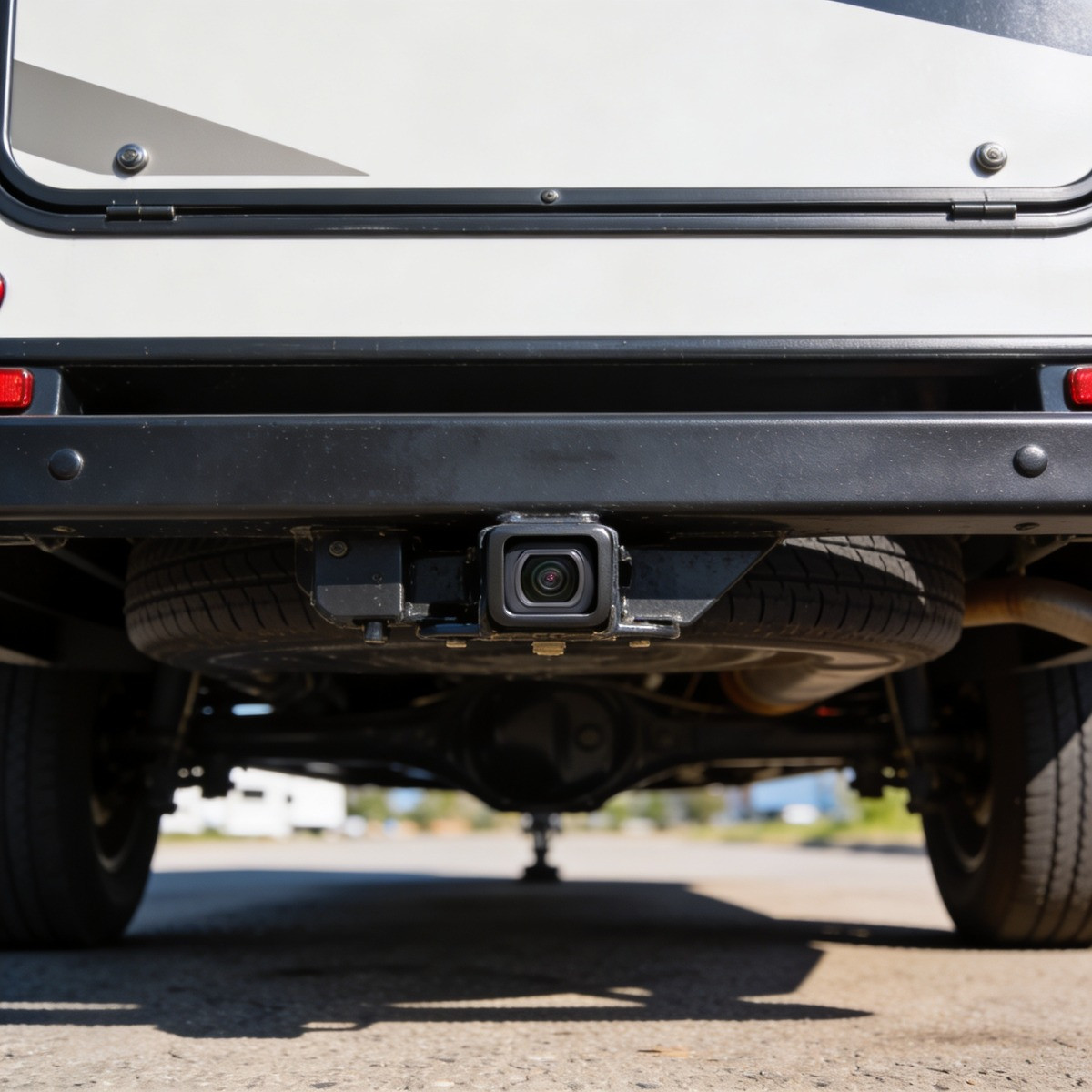
Choosing the Right Backup Camera System for Your RV
Backing up an RV is one of those tasks that can feel simple in theory and stressful in real life. Even experienced drivers can struggle with blind spots, tight campground roads, angled driveways, and small obstacles that disappear behind the rear cap. A good backup camera system does not replace careful driving, mirrors, or a spotter, but it can make each movement feel more controlled. When you can see what is behind you, you can park with more confidence, protect your RV, and reduce the chance of an avoidable accident.
The right system depends on how you travel, what type of RV you own, and how much visibility you want while driving or parking. Some RV owners only need a rear camera for backing into campsites, while others prefer a multi-camera setup that helps with lane changes, hitching, and tight turns. Wireless systems can be convenient, wired systems can be dependable, and newer digital systems often offer clearer images than older analog options. Once you understand the main features, choosing the right RV backup camera becomes much easier.
Why an RV Backup Camera Matters
RVs are large, wide, and often difficult to judge from the driver’s seat, especially when the rear of the vehicle sits far behind you. Even with well-adjusted mirrors, there are areas behind a motorhome, fifth wheel, or travel trailer that simply cannot be seen clearly. A backup camera helps fill in that missing view, which is especially useful when children, pets, bikes, fire rings, picnic tables, or low posts may be nearby. That added visibility can turn a tense parking situation into a more manageable part of the trip.
A backup camera also helps protect your investment because minor parking mistakes can become expensive very quickly. Backing into a tree branch, utility pedestal, fence, or another vehicle can damage fiberglass, ladders, lights, bumpers, or rear storage compartments. When you are arriving after a long travel day, that extra screen view gives you one more layer of awareness before you make a final adjustment. For many RV owners, the camera pays for itself through peace of mind alone.
Match the Camera System to Your RV Type
A Class A motorhome, a compact travel trailer, and a large fifth wheel all create different visibility challenges, which means they may not need the same camera setup. A motorhome driver may want a rear camera that stays on while driving, since the screen can function almost like a digital rearview mirror. A towable RV owner, on the other hand, may care more about signal strength between the tow vehicle and the camera mounted on the trailer. Before comparing features, think about the length of your RV, where the camera will sit, and how far the image signal needs to travel.
Travel trailers and fifth wheels often benefit from systems designed specifically for long-distance wireless transmission. A weak signal can cause delays, flickering, or dropped images, which becomes frustrating when you are trying to back into a site with people waiting behind you. Larger rigs may also benefit from side cameras, especially if the driver has trouble seeing along the trailer while changing lanes. The more space your RV takes up on the road, the more valuable wide coverage becomes.
Wired or Wireless: Which One Is Better?
Wireless backup camera systems are popular because they usually require less installation work. Since the camera sends video to the monitor without a long cable running through the RV and tow vehicle, installation can be faster and cleaner. Many RVs are even prewired or prepped for certain camera brands, which can make a compatible wireless system especially appealing. For weekend campers, first-time RV owners, and people who want a practical upgrade without major modifications, wireless systems are often a strong choice.
Wired systems are usually valued for their reliability because the camera sends the image through a physical connection. That direct connection can reduce interference, lag, and signal loss, which matters on longer RVs or in areas with heavy wireless traffic. The tradeoff is that installation can be more involved, especially if wiring must be routed through walls, cabinets, undercarriage areas, or the tow vehicle. If you want maximum dependability and do not mind a more detailed installation process, a wired system may be worth considering.
The best choice depends less on which type is “better” overall and more on what fits your RV lifestyle. If you frequently travel long distances, drive a larger rig, or want a camera that stays on while moving, reliability should carry more weight in your decision. If you mostly camp locally, have a camera-ready RV, and want a straightforward installation, a wireless option may give you everything you need. A good dealer or service team can also help you understand what your specific RV is already prepared to support.
Image Quality Makes a Real Difference
A backup camera is only useful if you can clearly understand what the screen is showing. Resolution matters because a blurry image can make it harder to judge distance, spot small objects, or see the edges of a campsite pad. A higher-quality image becomes especially helpful when you are backing up in shade, rain, dusk, or bright sunlight. Since RV parking often happens in imperfect conditions, clear video should be treated as a practical safety feature rather than a luxury.
Night vision is another feature worth paying attention to, especially if you often arrive at campgrounds after dark. Infrared or low-light camera technology can help you see behind the RV when headlights and campsite lighting do not cover enough area. A camera with poor night performance may work fine at noon but become much less useful during late arrivals. Since travel delays are common, having a system that performs in low light can make your setup more dependable year-round.
How Wide Should the Viewing Angle Be?
A wide viewing angle helps you see more of the area behind the RV, which is valuable when backing into campsites, driveways, and storage spots. Many RV backup cameras offer a broad field of view so you can see obstacles near the rear corners, not just what is directly behind the bumper. This can help you avoid scraping posts, clipping tree limbs, or missing objects near the edge of the camera frame. A wider view can be especially helpful when your mirrors do not show the lower rear corners clearly.
Very wide lenses can sometimes make distance harder to judge because the image may appear slightly distorted. That does not mean wide-angle cameras are bad, but it does mean you should learn how your specific camera represents space. Parking lines, reference marks, and repeated practice can help you understand what objects look like when they are one foot, three feet, or six feet away. After a few trips, the camera view starts to feel more natural.
Monitor Size and Placement Affect Comfort
The monitor should be large enough to read quickly without pulling your attention away from driving or parking. A tiny screen may be difficult to use in a stressful backing situation, while an oversized monitor can clutter the dashboard or block visibility. Many RV owners find that a medium-sized display offers the best balance between comfort and practicality. The goal is to see the image clearly without creating a distraction.
Placement matters just as much as size because the monitor needs to sit where your eyes can find it easily. Some systems mount on the dashboard, some attach near the windshield, and others replace or mimic the rearview mirror. If the screen is awkwardly placed, you may end up glancing too far away from your mirrors, steering path, or surroundings. A comfortable setup lets you use the monitor as part of a complete driving routine rather than as something that competes for attention.
Do You Need One Camera or Multiple Cameras?
A single rear camera is enough for many RV owners, especially if the main concern is backing into campsites or watching the area behind the rig. Rear cameras are simple, practical, and often more affordable than multi-camera systems. They give you the view that mirrors usually cannot provide, which makes them a smart starting point. If you are new to RVing, a rear camera alone may dramatically improve your comfort level.
Multi-camera systems can be a better fit for larger RVs, frequent travelers, or anyone who wants extra visibility while driving. Side cameras can help with lane changes, tight turns, and awareness around the length of the RV. Some systems allow you to switch between views, while others automatically activate side cameras when you use your turn signal. This type of setup can be especially valuable for drivers who spend a lot of time on highways or navigate crowded fuel stations and campgrounds.
Backup Cameras Can Help with Hitching
For towable RV owners, a camera can make hitching less of a guessing game. A rear-view or hitch-view camera helps you line up the tow vehicle with the coupler, which can reduce the need to get in and out repeatedly. This is especially useful when you are hitching alone or working in a tight driveway. Even if you still use a spotter, the camera gives you a more precise view of the connection point.
Some RV owners choose a separate hitch camera, while others use a backup system that can angle low enough to show the hitch area. The right choice depends on your tow vehicle, trailer height, and how often you connect and disconnect. If hitching is one of your least favorite parts of RV travel, this feature deserves serious attention. A smoother hitching process can make departures and campsite breakdowns feel much less stressful.
Durability Matters in Real Travel Conditions
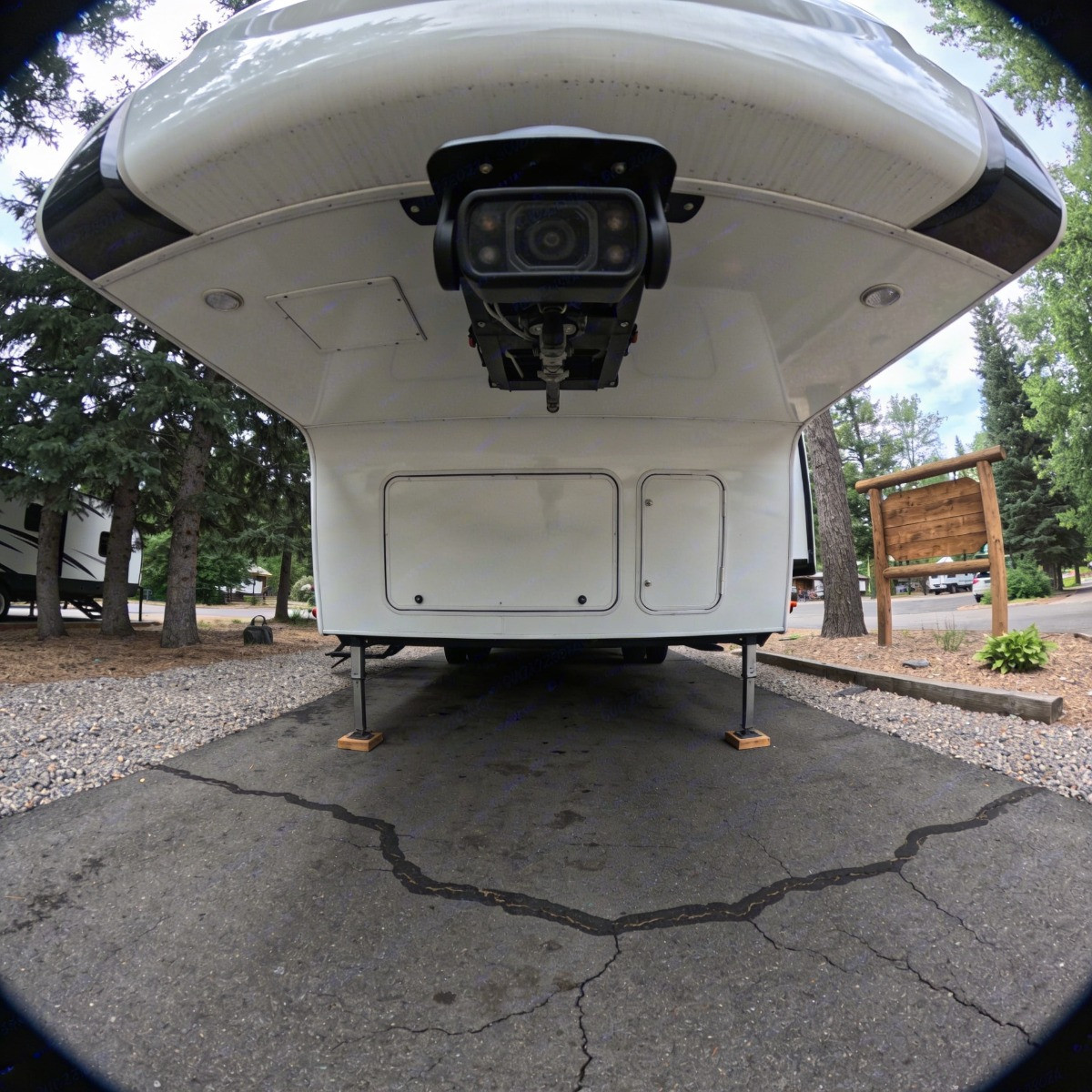
An RV backup camera lives outside, which means it has to handle rain, heat, dust, vibration, road grime, and temperature swings. A camera that works well in a parking lot but fails after months of travel will not be a good investment. Look for systems built with weather-resistant housings, sturdy mounts, and components designed for vehicle use. RV travel can be rough on electronics, so durability should be part of your decision from the beginning.
The camera mount also needs to stay secure as the RV moves over highways, gravel roads, uneven campground lanes, and storage lots. A shaky camera can make the image harder to read, even if the resolution is good. Strong mounting hardware, proper sealing, and careful installation help protect both the camera and the RV exterior. When installed correctly, the system should feel like a natural part of the RV rather than an add-on that needs constant attention.
Make Sure the System Fits Your RV’s Power Setup
Some cameras connect to the RV’s running lights, which means the camera works when those lights are turned on. Others connect to reverse lights, so they activate only when the vehicle shifts into reverse. Systems used as observation cameras may require a setup that allows the camera to stay on while driving. Before buying, make sure the system’s power style matches how you actually want to use it.
This detail matters because a backup-only camera and an observation camera serve slightly different purposes. A backup camera helps when reversing, while an observation camera can provide a continuous view behind the RV on the road. If you want to monitor traffic behind a motorhome or keep an eye on what is happening behind a trailer, choose a system designed for continuous use. Matching the power setup to your expectations can prevent frustration after installation.
Installation Should Be Planned, Not Rushed
Even a great camera can perform poorly if it is installed in the wrong spot or connected carelessly. Camera height, angle, wiring, sealing, and monitor placement all affect how useful the system feels once you start driving. The camera should show the area you care about most, whether that is the bumper, the hitch, the campsite pad, or the traffic behind you. A few inches of placement can change the usefulness of the entire view.
Professional installation can be worthwhile if you are not comfortable with wiring, drilling, sealing exterior openings, or connecting to the RV’s electrical system. A trained installer can also help protect against leaks, loose connections, and signal issues. If your RV is already prepped for a specific camera system, installation may be simpler, but compatibility still needs to be checked. Taking time to get the setup right is better than rushing through a job that affects safety and visibility.
Practice Before You Rely on It
A backup camera is most helpful after you understand how its image translates to real space. Before using it in a crowded campground, practice in an open area where you can compare the screen view with actual distances. Place a cone, bucket, or other safe object behind the RV, then watch how it appears as you slowly back toward it. This kind of practice helps you build trust in the camera without depending on it blindly.
It is also smart to practice using the camera together with your mirrors. The camera gives you rear visibility, while mirrors help you track the sides, swing path, and overall position of the RV. A spotter can still be useful, especially in tight campsites or uneven areas where the camera may not show every hazard. The safest approach combines technology, patience, and good driving habits.
Choosing a Backup Camera System with Confidence
Choosing the right backup camera system for your RV comes down to matching the equipment to the way you actually travel. A small travel trailer used for weekend camping may need a simple wireless rear camera, while a large motorhome or fifth wheel may benefit from a wired or multi-camera observation system. Features such as image quality, night vision, viewing angle, monitor placement, durability, and power setup all shape how helpful the system will be in real use. When those details line up, the camera becomes more than a gadget, it becomes part of a smoother and safer RV routine.
Berryland Campers understands that RV ownership is about enjoying the road, not feeling tense every time you pull into a site or back into storage. Whether you are shopping for your first RV, upgrading your current setup, or exploring features that make travel easier, the right guidance can help you make a confident decision. A dependable backup camera system can protect your RV, simplify parking, and make each trip feel more relaxed from start to finish. When your equipment supports your confidence, every arrival feels a little easier.